
TikTok Profile Picture Downloader
Open any TikTok profile picture in full size and save it. No login needed.
What the TikExporter TikTok profile picture downloader does
On TikTok a profile picture is a small circle. TikExporter is a TikTok profile picture downloader that opens the file behind it: the same picture in full size, on a page where you can look at it properly and save it.
- Full size
- The picture opens at up to 1080 by 1080 pixels, many times larger than the circle on the profile.
- One-tap save
- Save picture downloads the file to your device. It is free for everyone and needs no account.
- The real pixel size
- The page states the exact size of the file, so you know what you are getting before you save it.
- Opens in a new tab
- Open full size shows only the picture, which is handy for zooming on a phone or dragging it to your desktop.
- No login
- TikExporter never asks for a TikTok account, and the owner is not told that you looked.
- The profile, one tap away
- From the picture you can go straight to the account's videos, Stories and reposts.
TikTok PFP downloader and PFP viewer
PFP is short for profile picture. A TikTok PFP downloader and a TikTok PFP viewer are the same tool here: enter the username, open the picture in full size, then save it.
The file is the largest size TikTok publishes, up to 1080 px. No login, no extension, and the owner is not notified.
How to download a TikTok profile picture
Three steps, about ten seconds.
Enter the username
Type the handle of the account, with or without the @ sign, or paste a link to the profile or to one of its videos.
Open the picture
Press View picture. The profile picture appears in full size, with its pixel dimensions next to the name.
Save it
Press Save picture to download the file, or Open full size to see it alone in a new tab.
A TikTok profile picture downloader has no reason to ask for your password, an app install or a survey. If a site wants any of those before it shows a picture, close it.
Does the owner know you saved their profile picture?
No. TikTok does not notify anyone when their profile picture is viewed or saved, in the app or outside it. The only visit TikTok can report to an owner is a profile view between two logged-in accounts that both have profile view history turned on.
With TikExporter there is no account involved at all. Your browser asks our server for a username, our server reads the public profile from TikTok without being signed in, fetches the picture file and passes it on to you.
| Who | What they see |
|---|---|
| The account owner | Nothing. No profile view and no notification. |
| Your own TikTok account | Nothing. You are not signed in. |
| TikTok's servers | A request for a public profile and for one picture file from our server, with no TikTok account attached. |
| TikExporter | The username you entered, in short-lived server logs. The picture is passed through and not stored. |
| People who share your device | The saved file in your downloads, and the recent profiles kept in this browser. |
TikExporter only opens what TikTok shows to everyone. It does not get around anyone's privacy settings.
How to save the picture on iPhone, Android and PC
Save picture works in every modern browser. Where the file ends up depends on the device:
- iPhone and iPad: Safari asks whether to download the file, then puts it in the Downloads folder of the Files app. To add it to Photos instead, press Open full size, hold a finger on the picture and choose Save to Photos.
- Android: Chrome saves the file to the Downloads folder, and it shows up in your gallery app. Holding a finger on the picture after Open full size offers Download image as well.
- Windows, Mac and Chromebook: the file goes to your Downloads folder. You can also press Open full size, right-click the picture and choose Save image as.
In most cases the file is a JPEG named after the account, for example nasa-tiktok-profile-picture.jpg.
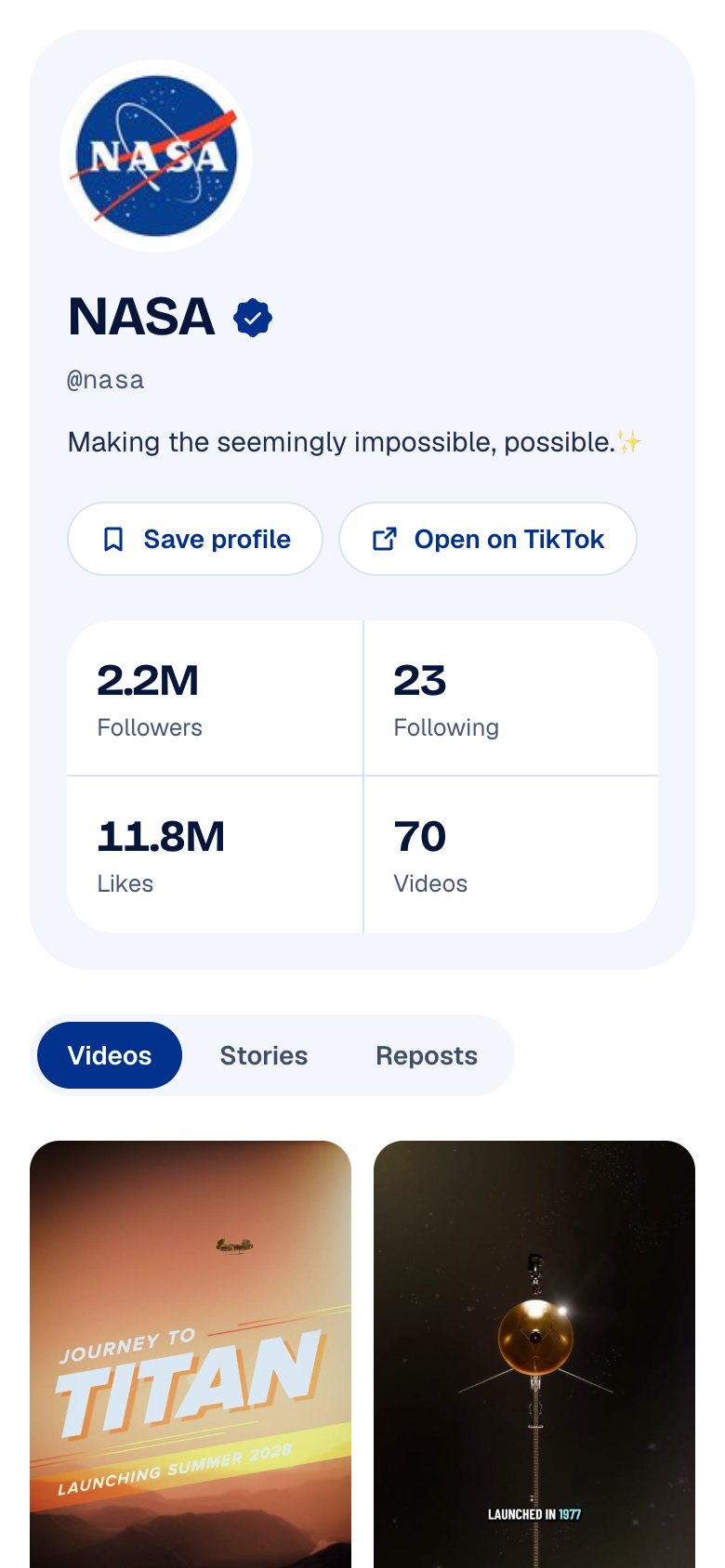
View a TikTok PFP in full size
PFP is short for profile picture. In the app it is shown as a circle a little larger than a fingertip, and the corners of the original are cut off. That is fine for recognizing an account and useless for reading the text on a logo or telling whether two accounts use the same photo.
TikExporter shows the whole square file, uncropped. On a profile, tap the round picture and the full-size view opens. People use it for ordinary reasons:
- Checking whether an account is the real one or a copy
- Reading a logo, a slogan or a date on the picture
- Saving a brand's logo for a report or a mood board
- Keeping a picture of a friend or a family member
- Looking closely at art the creator chose as their picture
Old profile pictures: what you can and can't get
TikExporter shows the picture an account uses right now. When someone changes their profile picture, TikTok replaces the file, and the earlier one is no longer published anywhere we could read it.
That means no TikTok profile picture downloader can honestly offer a history of old pictures. A site that claims to show previous profile pictures is either showing something it happened to copy earlier or making it up. If you want to keep a picture, save it while it is still the current one.
The same goes for size. The file is as large as TikTok publishes it, up to 1080 by 1080 pixels. If the owner uploaded a small or blurry image, the full-size file is small or blurry too. TikExporter does not enlarge or sharpen pictures, because an upscaled picture shows detail that was never there.
What this TikTok profile picture downloader can't do
Stated plainly, so you know before you search.
Previous profile pictures
Only the current picture is available. There is no history.
A larger size than TikTok has
You get the largest file TikTok publishes. Nothing is upscaled.
Private posts
The picture of a private account opens, because TikTok shows it to everyone. Its videos, Stories and reposts stay private.
Banned or deleted accounts
When an account is gone, its picture is gone with it.
Bulk downloads
One picture at a time. There is no list mode and no batch mode.
Editing
TikExporter hands you the original file. Cropping, resizing or removing a background is a job for a photo editor.
Use saved pictures fairly
A profile picture is public, and it still belongs to the person or the company that made it. Saving a copy for yourself is one thing. Using it is another.
Do not use someone's picture to pretend to be them. Impersonation breaks TikTok's rules and is illegal in many places. Do not put a creator's photo or a brand's logo into your own posts, ads or products without permission. And if a page on TikExporter shows your own account and you want it taken down, use the Remove content link at the bottom of this page.
TikTok profile picture downloader: questions, answered
How do I download a TikTok profile picture?
Enter the username in TikExporter, press View picture, then press Save picture. The file downloads in the largest size TikTok publishes for that account.
How can I see a TikTok profile picture in full size?
Open it here. The picture is shown uncropped at up to 1080 by 1080 pixels, and Open full size displays it alone in a new tab where you can zoom.
Is this a TikTok PFP downloader?
Yes. PFP means profile picture. Enter a username, open the picture in full size and save it. No login and no extension are needed.
Can I use it as a TikTok PFP viewer?
Yes. The same page works as a TikTok PFP viewer: it shows the current picture uncropped at up to 1080 by 1080 pixels before you download it.
Will the person know I viewed or saved their profile picture?
No. TikTok sends no notification for that, and TikExporter is not logged in to any account, so no profile view is recorded either.
Can I see old profile pictures?
No. Only the current picture is available. TikTok replaces the file when the owner changes it, and TikExporter keeps no archive.
What size and format is the file?
Up to 1080 by 1080 pixels, usually as a JPEG. The page shows the exact pixel size before you save. Small originals stay small, because nothing is upscaled.
Does it work for private accounts?
For the picture, yes. TikTok shows the name and picture of a private account to everyone. The account's posts remain private and do not open.
Do I need a TikTok account or the app?
No. The TikTok profile picture downloader runs in your browser on iPhone, Android and computers. There is nothing to install and nothing to sign up for.
Is it free?
Yes. Viewing and saving profile pictures is free, with no sign-up and no card.
Is it legal to download a TikTok profile picture?
Saving a public picture for personal use is generally fine. Republishing it, using it commercially or using it to impersonate someone is not. The picture belongs to its owner. This is general information, not legal advice.
Why is the picture blurry?
Because the original is. The file is exactly what TikTok publishes. If the owner uploaded a small image, there is no sharper version to download.
Is TikExporter affiliated with TikTok?
No. TikExporter is an independent service. It is not affiliated with, endorsed by or sponsored by TikTok or ByteDance.
Try the TikTok profile picture downloader
Full size. One tap to save. No login.
More ways to look
- TikTok viewerOpen any public profile: videos, counts and bio on one page.
- TikTok Story viewerWatch an account's current Stories without showing up in the viewer list.
- TikTok repost viewerSee the videos an account has reposted from other creators.
- Private TikTok viewer: the honest answerWhat a private account still shows, and why no site can show more.
Last updated