
Viewing is free. Export is the paid part.
Profiles, videos, Stories and every comment stay free, with no account. What costs money is turning a thread into a complete, clean CSV.
Yearly billing adds two months free
Free
For reading a thread and checking the file.
$0forever
- Public profiles, videos, photo posts, Stories and reposts
- Every comment and reply, with no cap
- 50 comments as CSV per video
- 200 CSV rows free every month
- No account, no card
- Most popular
Pro
For social teams that pull threads every week.
$8.25per month, $99 a year
- 50,000 credits a month, or 600,000 a year
- Replies, usernames, likes, timestamps and ids
- Works on every public video
- Monthly plans add credits each month; yearly plans add the year at once
- Cancel any time
Checking sign-in Business
For agencies running several campaigns at once.
$24.17per month, $290 a year
- 250,000 credits a month, or 3,000,000 a year
- Five times the Pro allowance
- One pool across clients and campaigns
- Monthly plans add credits each month; yearly plans add the year at once
- Priority support
- Cancel any time
Checking sign-in
Launch price
The current rate applies while the subscription stays active. Yearly billing adds two months free, and a one-time pack is always there when you only need one file.
Only need one file?
One-time packs never expire and skip the subscription.
$4.99
5,000 comments
one time
$12.99
20,000 comments
one time
Packs are bought from any comment thread when the free rows run out. Open a thread.
Prices in US dollars. PayPal checkout is live; credits are added to your Google account after payment.
What stays free
The viewer is the product, not a trial. Everything below needs no account and has no daily cap.
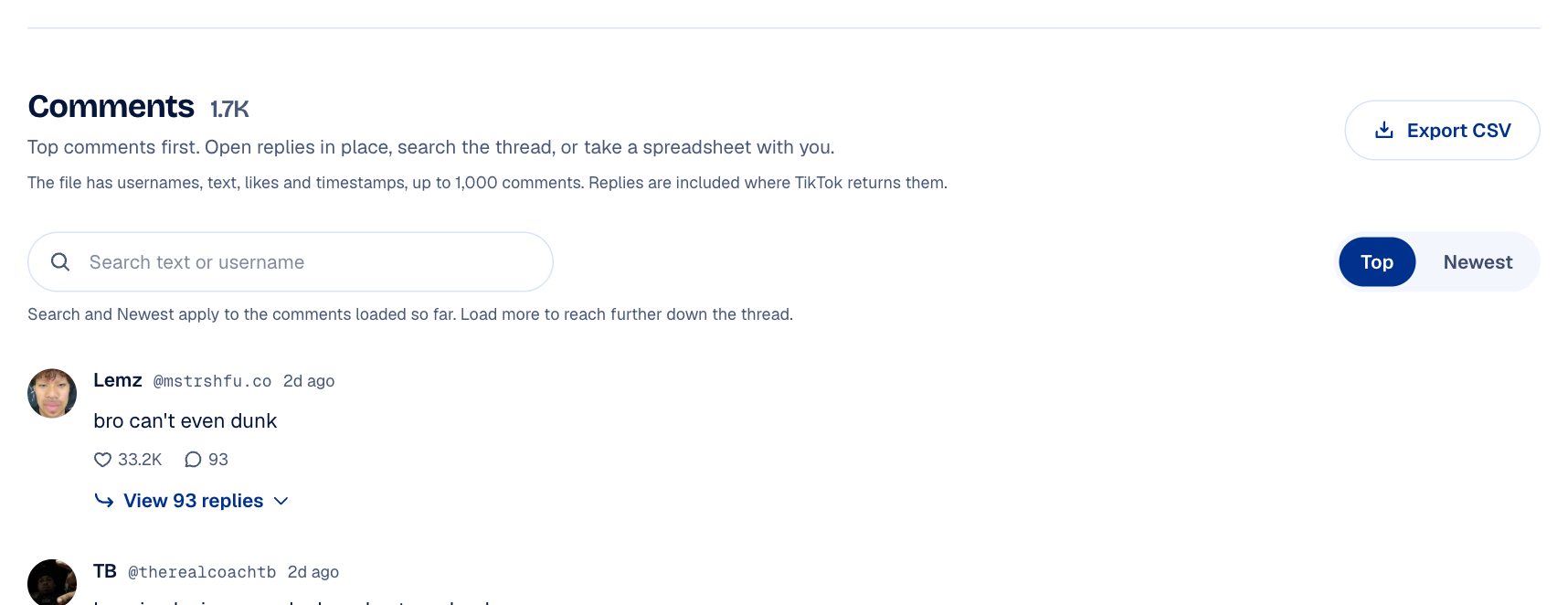
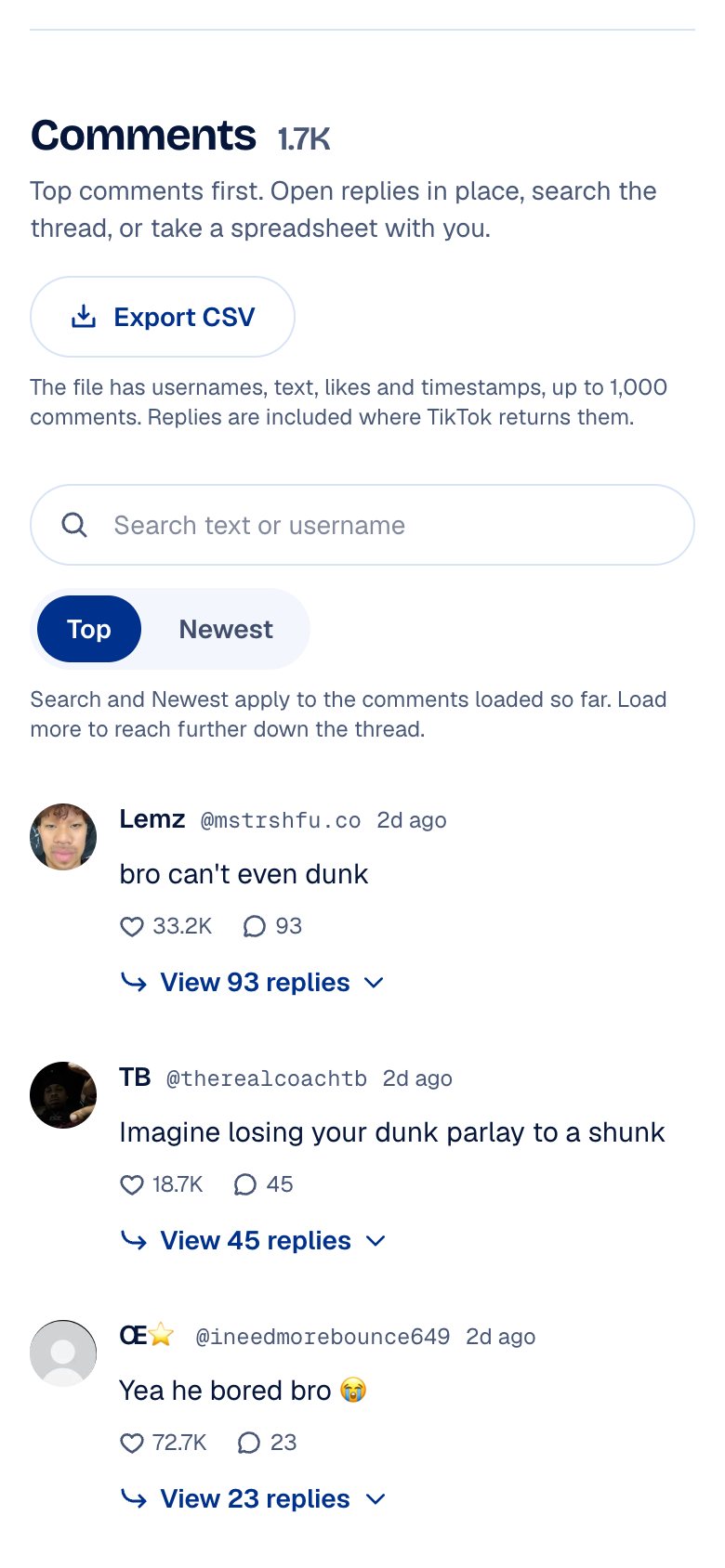
- Every comment
- Top or newest first, replies opened in place, and a search across the loaded thread. No account and no cap.
- Profiles
- Name, bio, follower counts and the public video grid, newest first.
- Video numbers
- Views, likes, comments, shares and saves written out on every video.
- Stories
- An account's current Stories in a player, with the time each one has left.
- Reposts
- The videos an account has reposted, with the original creator on each card.
- A free sample file
- 50 comments as CSV on any video, plus 200 rows a month, before a pack is needed.
How the free allowance works
The allowance is counted in rows written to a file, not in page views. Reading a thread never uses it up.
Both counters run at the same time: a video can give you 50 free rows, and the month can give you 200 across all videos, whichever you reach first.
| Limit | What it means |
|---|---|
| Per video | 50 comments come out as CSV free. Everything beyond that stays readable on the page; only the file is capped. |
| Per month | 200 free CSV rows across all videos in one browser. The counter resets on the first day of each month. |
| Replies | Replies are rows too and are included in the free sample and in paid exports alike. |
| Deleted comments | TikTok does not serve comments a creator deleted or hid, so a file can be shorter than the count on the video. Credits are charged for rows delivered, not rows requested. |
| Paid packs | A pack adds credits on top of the free allowance and never takes the free rows away. |
One browser keeps its own free allowance. Clearing cookies resets the counter; paid credits live on your Google account.
How an export runs
Four steps, no software to install.
Open a public video
Paste a TikTok link or a username into the search box. The comments load beside the video.
Take the free rows
Press the free export button and the first 50 comments arrive as a CSV, replies included.
Add credits for the rest
If the thread is longer, choose a pack in the comment panel or a plan on this page. PayPal opens at checkout and the credits are added to your account.
Download once
The same button then writes every row the allowance covers, in one file, and the counter drops by the rows it actually wrote.
Files are plain CSV with a header row, so Excel, Google Sheets, Numbers and a database all open them without a converter.
Why the file is the paid part
Running a viewer costs money on every page: servers, and the network routes that keep TikTok answering from a residential address instead of a data-centre one. Reading has to stay free or the product is useless, so the charge sits on the one action that takes real work and real bandwidth in a burst: turning a thread into a complete file.
Copying text from the page is always possible, and we do not fight it. What copying gives you is what is on screen: the comments loaded so far, without the replies you did not open, without timestamps or user ids, and with the line breaks of a web page. The export is one file with every row the creator's thread still holds, columns that line up, and one row per reply.
The free sample is there to prove the file is real before anyone pays. Fifty rows is enough to check the columns and open the file. The packs and plans exist for the threads where fifty is not the whole story, which is most of them once a video gets attention.
- Comment id and parent id, so replies stay attached to the comment they answer.
- Username, nickname and numeric user id for every author.
- Text, likes, reply count and the date each comment was posted.
- Video id on every row, so files from several videos can be merged without guessing.
Credits are counted per delivered row. If TikTok hides a comment, it is not charged, and the same allowance can be used on the next video.
Pricing questions, answered
Is viewing TikExporter really free?
Yes. Profiles, videos, photo posts, Stories, reposts, profile pictures and every comment are free, with no account and no card.
How many comments can I export for free?
50 comments per video and 200 rows per month in one browser. Both limits apply at the same time, and reading a thread never uses them up.
Why is the free sample only 50 rows?
It is enough to open the file, check the columns and see whether the export fits the work. The complete thread is what the paid packs and plans are for.
What does yearly billing save?
Pro is $99 a year instead of $119.88, and Business is $290 instead of $348. That is two months free on either plan, paid once.
What is the launch price?
The current rate applies while the subscription stays active. If the public price changes later, existing subscriptions keep the rate they signed up at.
What counts as a row?
One comment or one reply written into the CSV. The header line is not counted, and a comment TikTok no longer serves is not counted either.
Do export credits expire?
Credits from the 5,000 and 20,000 packs do not expire. Monthly Pro and Business plans add credits each month while active; yearly plans add the full year at once (600,000 for Pro, 3,000,000 for Business).
What is in the CSV?
comment_id, parent_comment_id, is_reply, video_id, username, nickname, user_id, text, likes, reply_count and created_at. One row per comment, one row per reply.
Can I not just copy the comments from the page?
You can copy what is on screen, and that is fine. It will not have the replies you did not open, the timestamps, the user ids or a column layout. For a handful of comments, copying is quicker; for a full thread, the file is the point.
Can I cancel a plan?
Yes. Pro and Business are monthly or yearly subscriptions, and cancelling stops the next renewal. Credits already granted stay in your balance.
Is checkout live?
Yes. One-time packs and Pro or Business subscriptions are sold through PayPal. The free allowance still works without an account.
Last updated
Try the free export
Open any public video and take 50 rows.